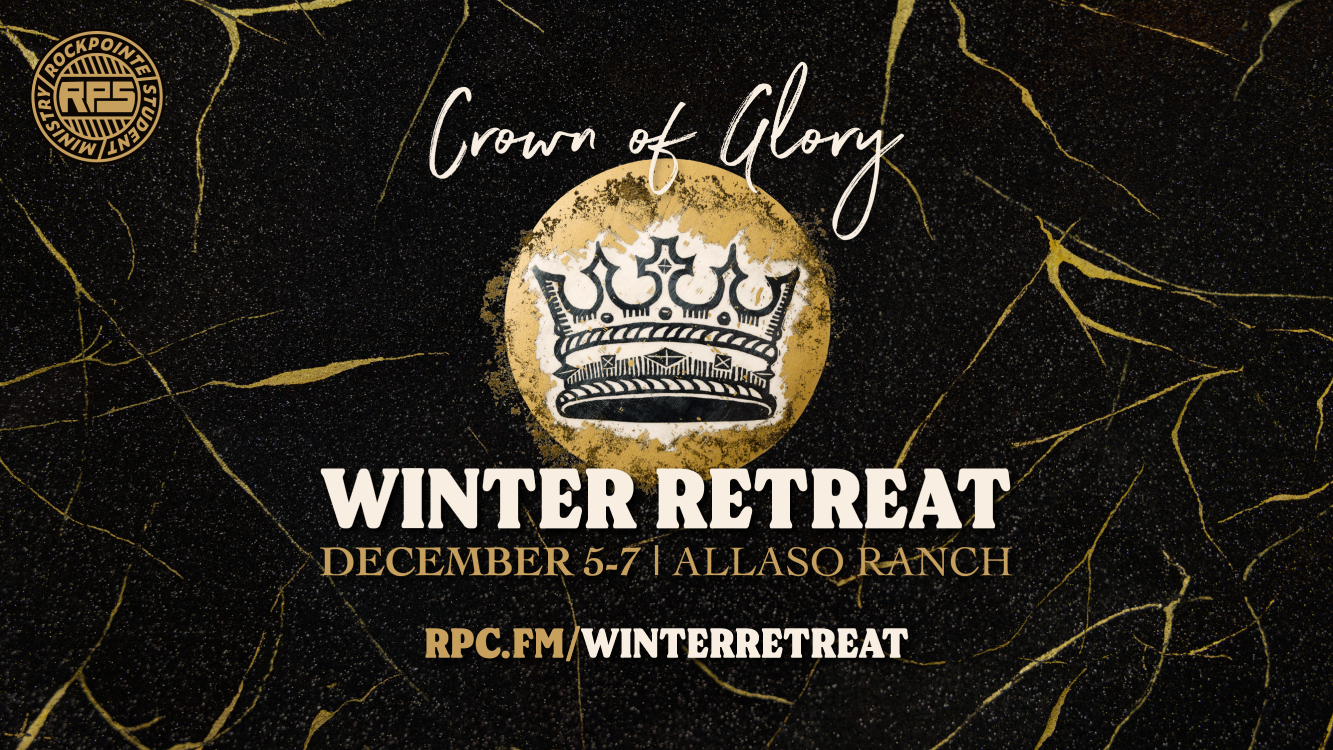
As part of my internship with RockPointe Students, I got to work on the design and social media for our student winter retreat from the ministry side, as opposed to the designer side I see in my creative team role. This years theme is Crown of Glory from 1 Peter 5:1-11.
The Design Process
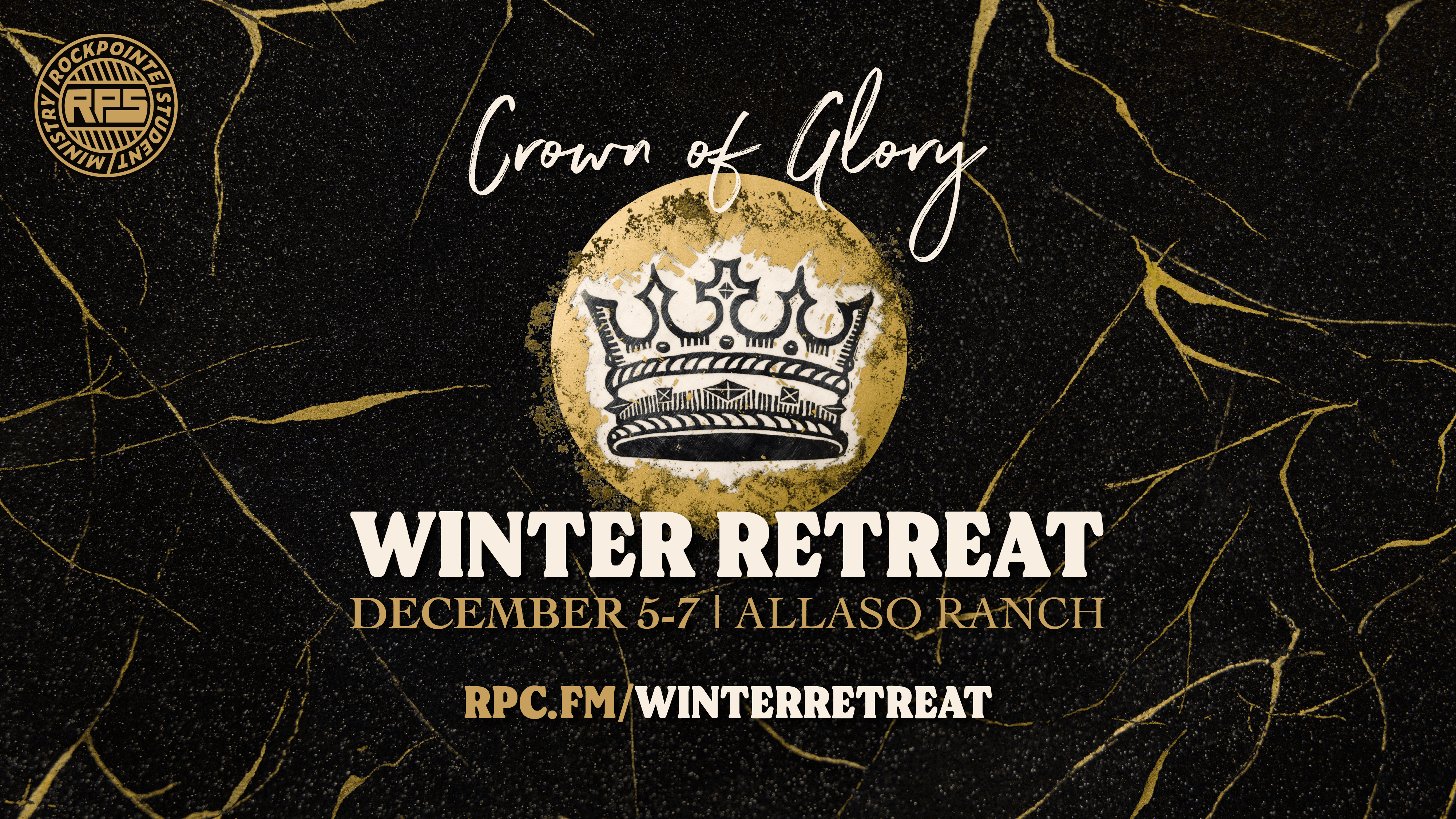
The design uses a crown on a dark background with gold veins. We chose serif fonts to make it feel weighty and historical. Our lead designer created an incredible graphics package based on our input. I got to see some of the challenges with communication between designers and the ministry. Designers have been taught to visualize these elements and honed the ability to translate these ideas into editable designs. Non-designers are less experiences with this kind of visualization and may outsource this to tools like AI image generation which creates flattened files that can be edited of highly-variable levels of quality.
Social Media
We decided to use social media to build hype for the event after registration had closes and to introduce the characters for the skits and games. The videos were designed to be posted on Instagram as vertical reels but we had played the vertical videos on the horizontal screens on Wednesday nights and Sunday mornings. So instead of filming a vertical video, I decided to try shooting high quality horizontal open gate video.
Recording and editing workflow
- Shot the video using Blackmagic Cameraon iPhone Pro in 4k in the
Open gate aspect ratio
- Pro Tip: Use the overlay guides in 9:16 to keep subjects in frame for vertical video
- Recorded directly to an external SSD.
- Import footage into Final Cut Pro
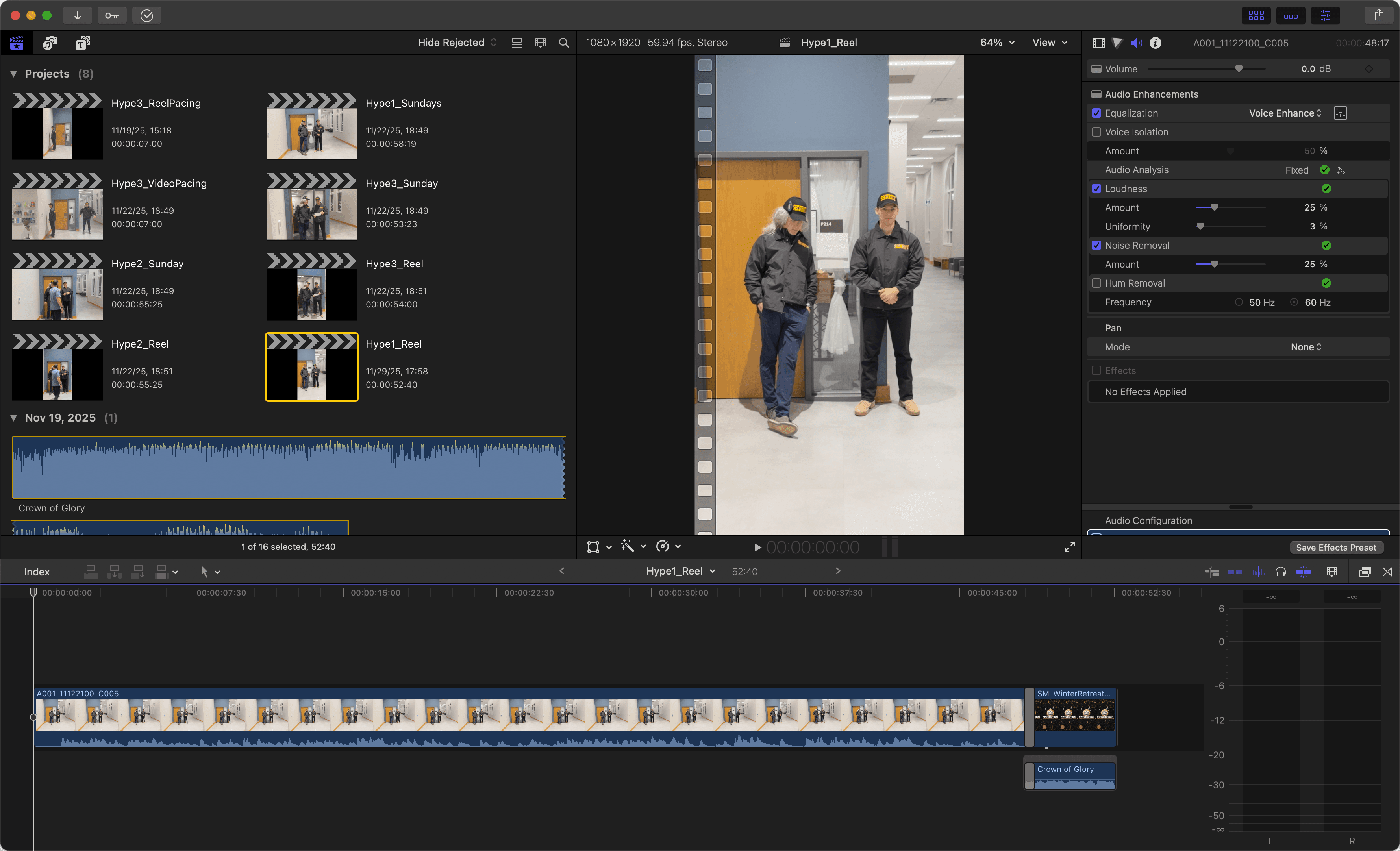
- Create vertical video project for reels
- Since the videos were short full takes, I skipped my typical media review process of building clips in the media browser and edited the whole take in the timeline
- Edit the video
- Basic audio work (loudness, noise removal, EQ)
- Minor color grading for consistency
- Added the event graphic and theme song
- Create horizontal videos
- Shooting open gate allowed me to easily duplicate the reel and reframe for horizontal video